
With the rise of AI and the limited time scientists have, I thought I would provide you with an overview of several AI tools.
The tools provided here do not need any advanced coding skills and generally have a free version.
Here is what I found – and at times, it truly surprised me:
Literature Review and Paper Discovery Tools
Literature review tools are designed to help researchers quickly find, filter, and understand scientific papers. They search large academic databases, summarize key findings, and highlight relevant studies. These tools are especially useful for exploring unfamiliar topics, complementing systematic reviews, or discovering related literature.
When to Use: Amazing functionality that can save hours of work. Furthermore, it can unearth papers that would stay hidden through normal Google searches.
Main Limitations: One cannot be sure whether a search was exhaustive. Of course, caveats such as differences in the interpretation of results or methods made by humans cannot be corrected by AI. Therefore, a literature search can only be as robust as the underlying science.
Elicit (Ought)
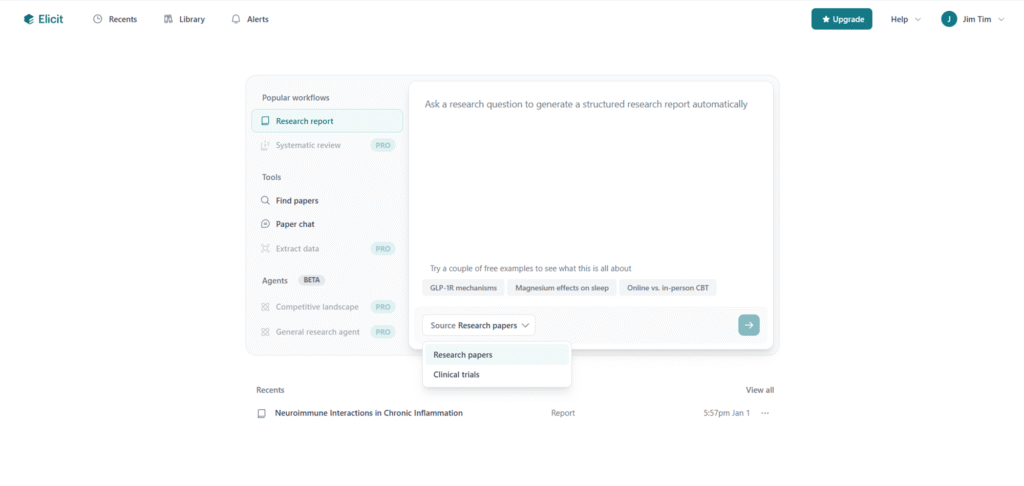
Good to Know: Based on written prompts, Elicit allows for the creation of literature reports, finding of papers, or using “paper chats” to explore single publications. It can present information in different formats, including text summaries and tables, which makes it easier to compare studies quickly.
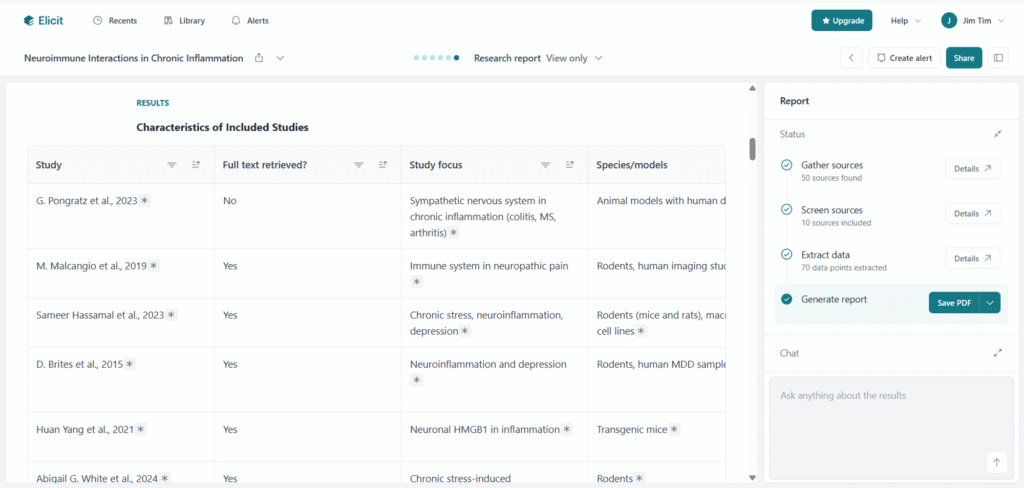
One useful feature is its ability to refine vague or poorly phrased prompts for higher efficiency.
ResearchRabbit
Good to Know: ResearchRabbit visualizes connections between papers in a network-style map, which can be helpful for exploring how research topics are linked, which papers influenced others, and which studies are closely related.
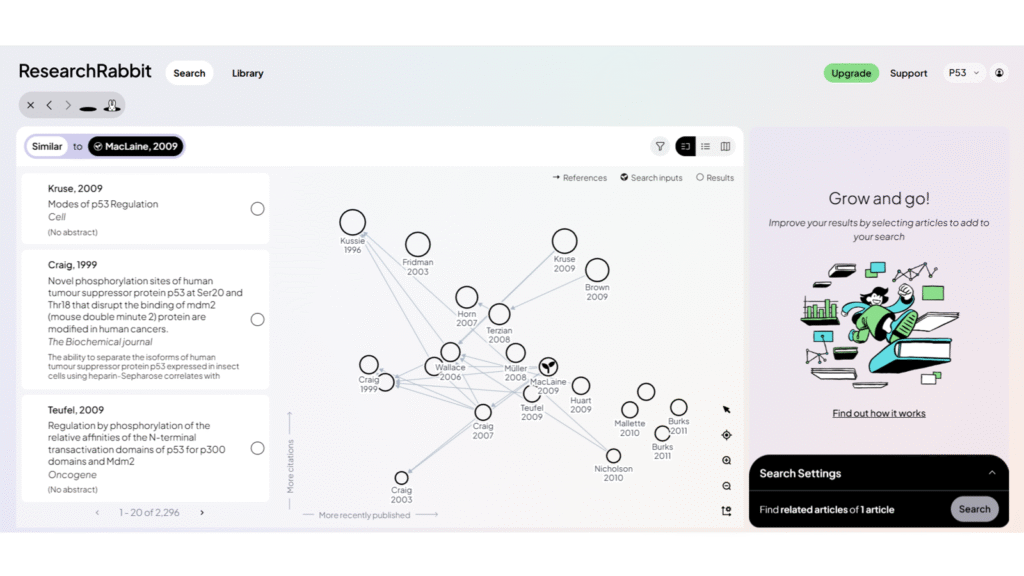
The entire design aims at being straightforward and easy to use. It also allows to explore earlier/later work of an author which can be useful when discovering groups/authors in adjacent fields.
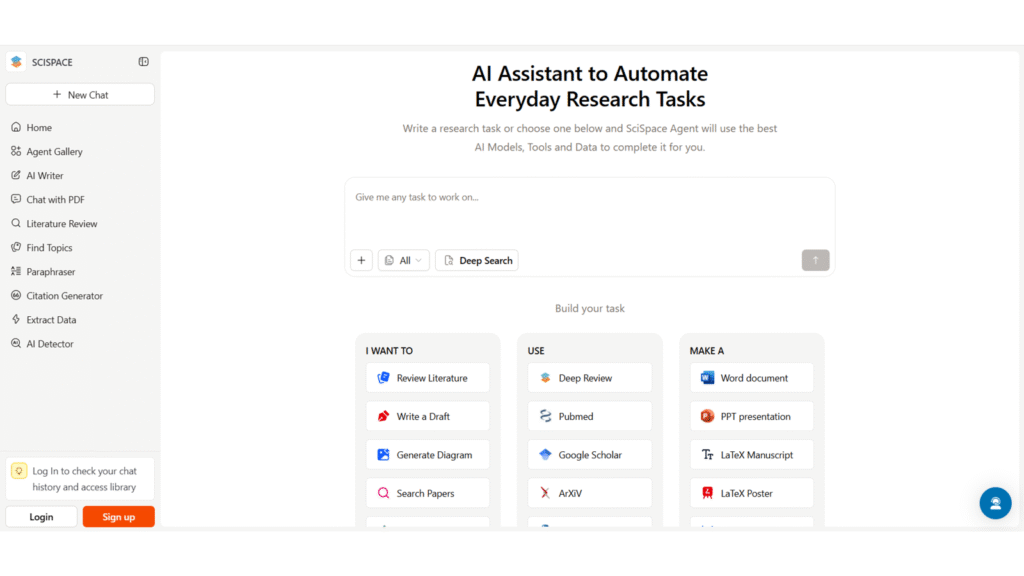
SciSpace
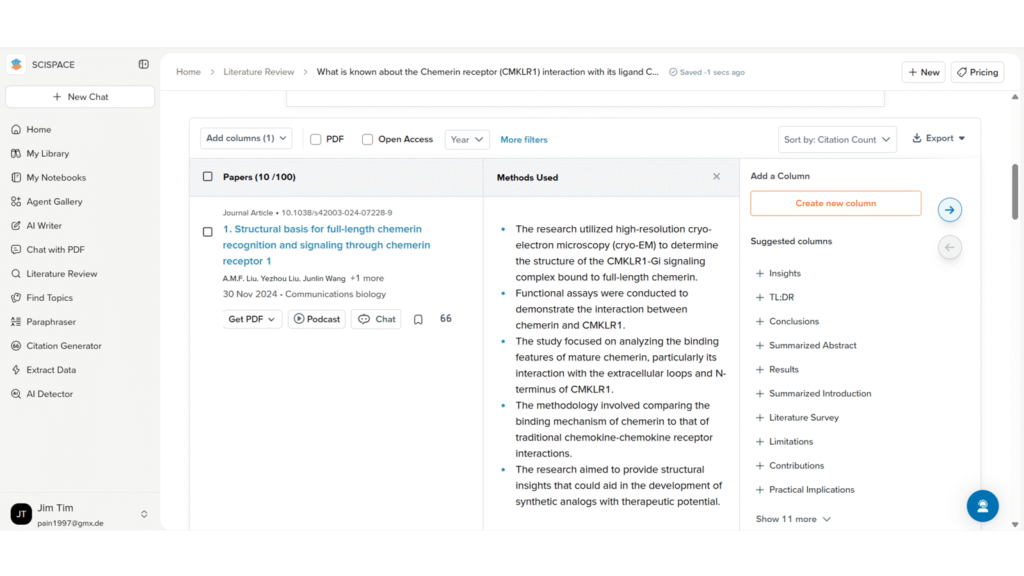
Good to Know: SciSpace’s deep research mode can retrieve a large number of papers and assign relevance scores. The ability to manually browse through all of them is helpful for more systematic reviews.
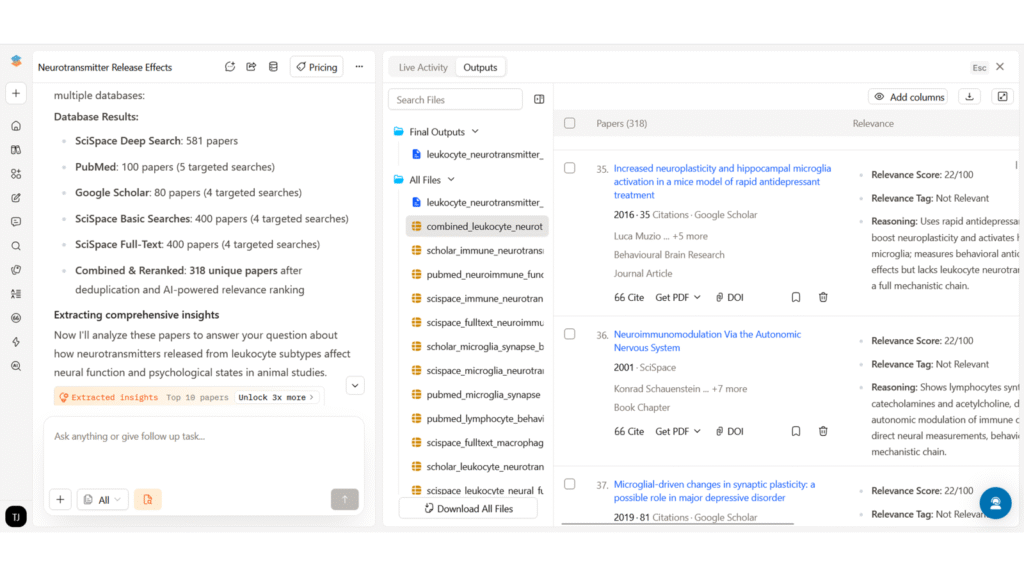
Moreover, the information is displayed in well-structured and interactive tables.
Of note:
SciSpace offers several functions beyond basic literature search, such as graph design or text generation.
Further Tools:
AI Research Assistants and Scientific Reasoning Tools
While these two tools are able to conduct literature searches, instead of providing an overview, they are more focused on finding answers to specific inquiries, explaining scientific concepts, and discussing limitations or experimental design. They are strong at reasoning through complex questions in clear language and can provide context that goes beyond simple paper summaries.
When to use: You want feedback or need specific literature for an experimental approach. These tools help you find anything from antagonists to appropriate time points.
Main limitations: You have to double-check – although their output is often precise, it might stem from a paper with a different scope or experimental setup. Moreover, don’t give in to the perception that conducting the experiment will be easy or come without surprises.
Noah AI
Good to Know: Noah AI performs very well for scientific questions, even when they are nuanced. It provides clear text explanations, tables, highlighted limitations, and even practical details such as concentration ranges, statistical considerations, and appropriate cell seeding densities.
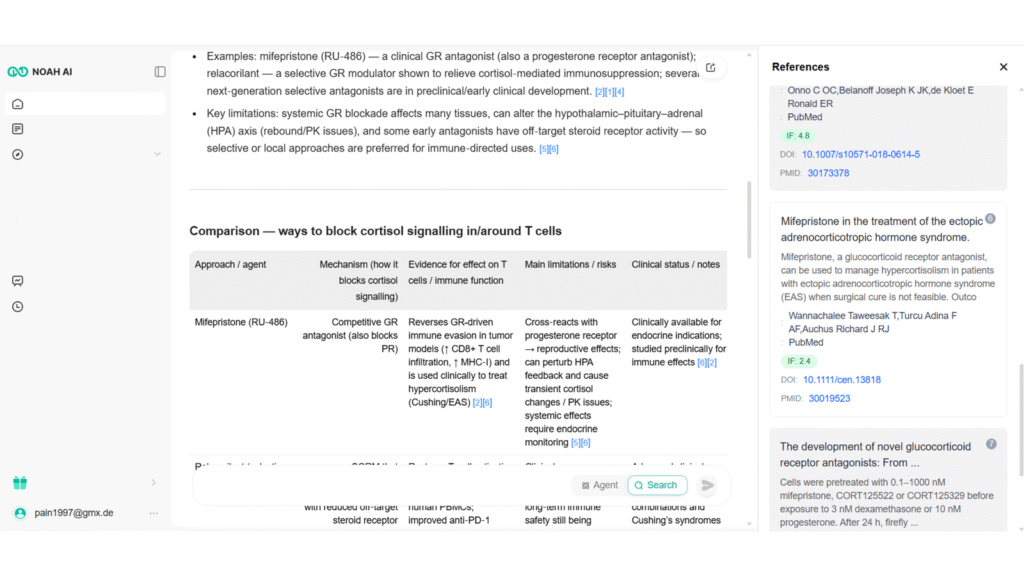
It also allows for long, detailed research outputs with a high token limit, which makes it useful for in-depth scientific exploration.
The main weakness is the unstable interface, which hides labels on the main screen, requiring “experimental clicking” if one wants to use other tabs or additional functionalities. Hopefully, this will be a quick fix for the web designers.
ChatGPT & Other LLMs
In essence, ChatGPT, Claude, Gemini etc. can help you calculate statistics, create a research plan or find relevant paper.
Overall, ChatGPT performs well in terms of reasoning and explaining complex topics in a structured way. It is also good at discussing limitations and caveats.
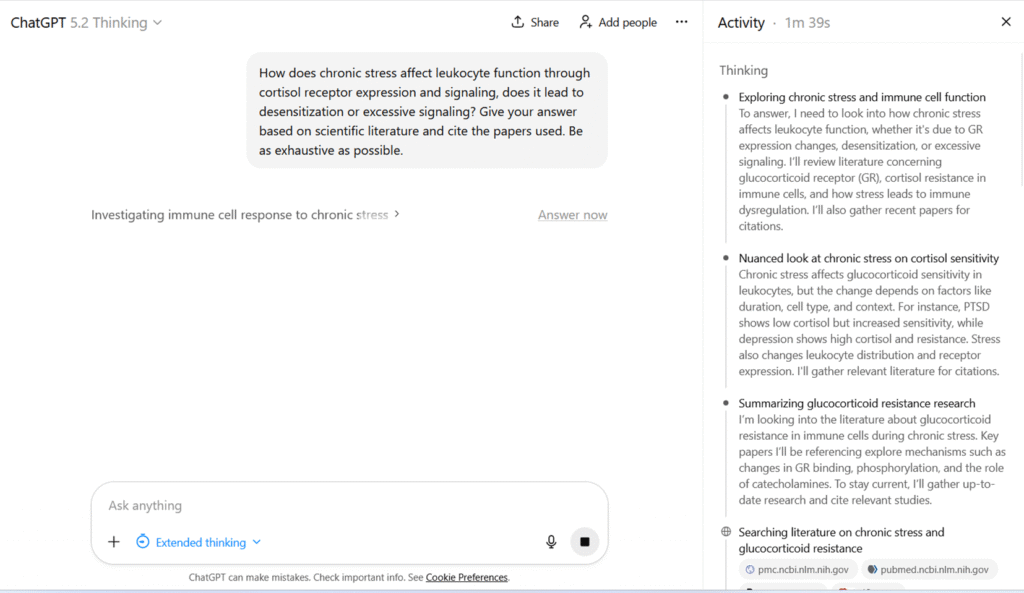
While other tools are specifically trained, ChatGPT sometimes has to be re-prompted to obtain additional or more nuanced information.
However, it is not exhaustive in its literature coverage. Moreover, sometimes a different prompting strategy or starting a new chat is necessary to avoid stereotypical answers.
Personal Tip: AI-generated literature summaries will reflect the biases (e.g., overinterpretation of data), ambiguities arising from imprecise definitions (such as what qualifies as chronic stress), contextual dependencies (for example, statistical significance versus biological relevance), and even the errors present in the original papers themselves. Apparent coherence or authority, whether in the literature or in AI-generated outputs, does not guarantee completeness or accuracy.
Therefore, reviewing your prompt strategy (e.g., what is “short term?) as well as vigilance is important. It is easy to get mislead when a summary is based on a single (or a few) studies and miss an important factor, such as an alternative receptor, a splicing variant, or an environmental variable that is simply not mentioned.
Data Exploration and Visualization Tools
Data exploration, visualization, and design tools support you in turning data and ideas into clear visual outputs. Additionally, they can help you explore datasets, quickly generate graphs, and receive basic explanations of trends, including significance tests or suggestions for suitable visual formats.
When to use: They are fantastic for beginners – they allow you to get a fast overview of unfamiliar data, find trends, and draft visualizations. Especially for those who do not have a knack for statistics, they can be extremely helpful.
Main Limitations: Large datasets with nuances will still require human judgment. Moreover, generated graphs are rarely publication-ready – better you use them for presentations or quick communications. Importantly, take care not to share sensitive information or unpublished work, as data may be processed and stored on external servers.
Julius AI
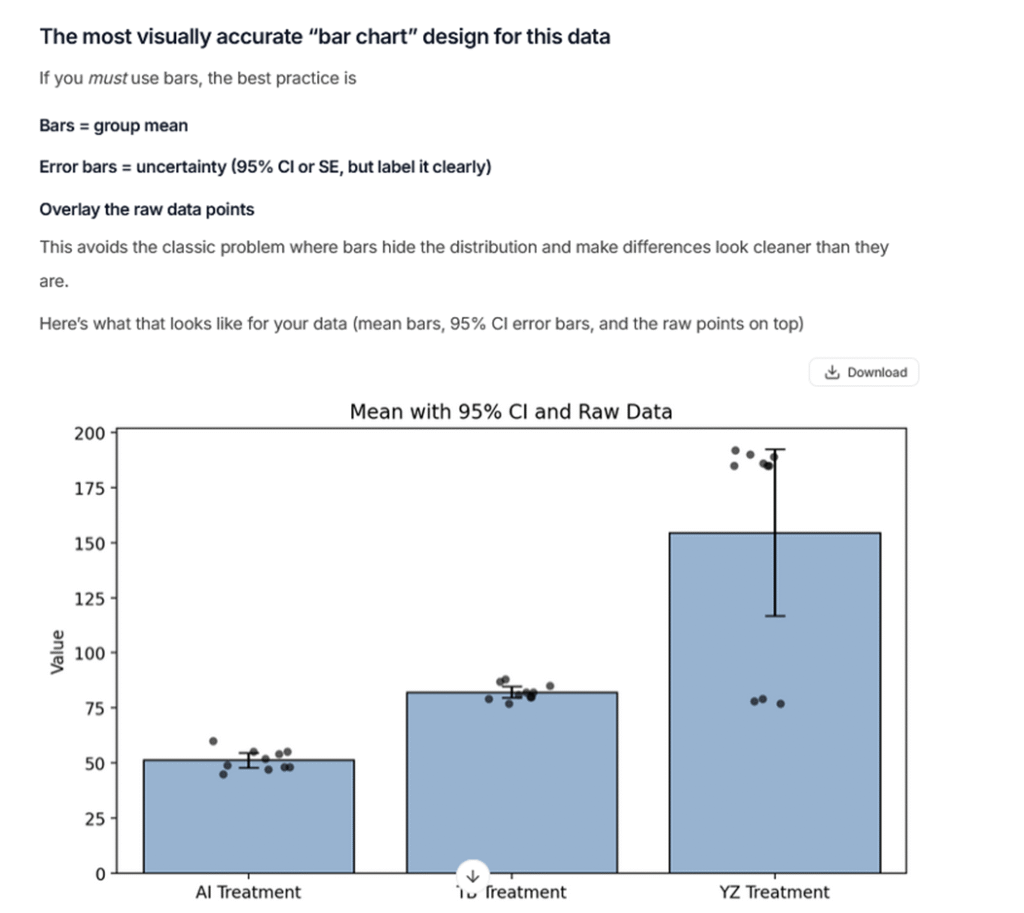
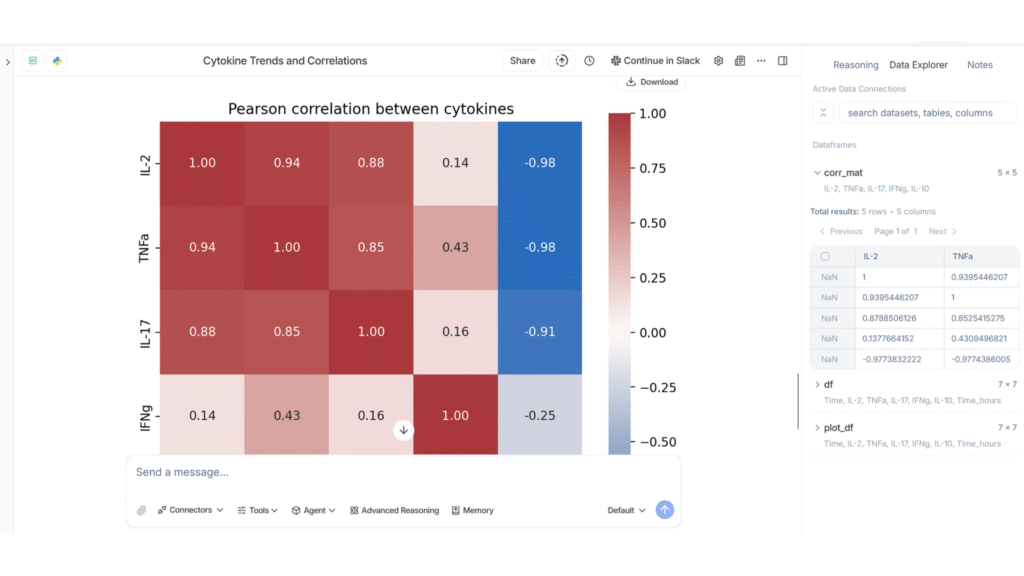
Good to Know: Julius AI is particularly good for basic data exploration. It quickly provides insights into data interpretation, clear text explanations, and generates graphs.
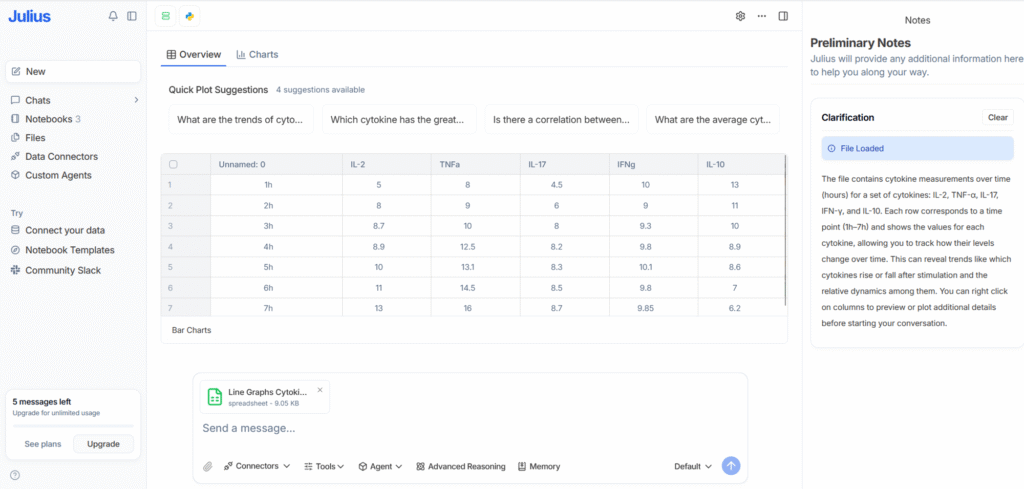
Along with correctly identifying statistical nuances and appropriate tests, it can really lay the foundation for data analysis. It also suggests visually appropriate bar chart designs, which helps avoid misleading visualizations.
Napkin AI
Good to Know: Napkin AI is well suited for creating diagrams and creative visual content that can be used in presentations, posters, blogs, or internal communications.
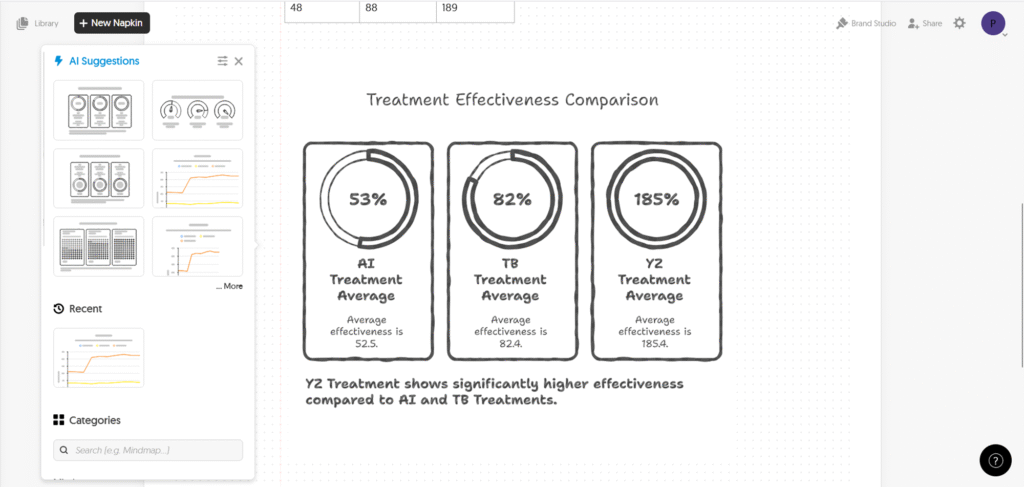
While you can draw charts or upload your data, it does not analyze data and is not designed for statistical or scientific work.
Graphy
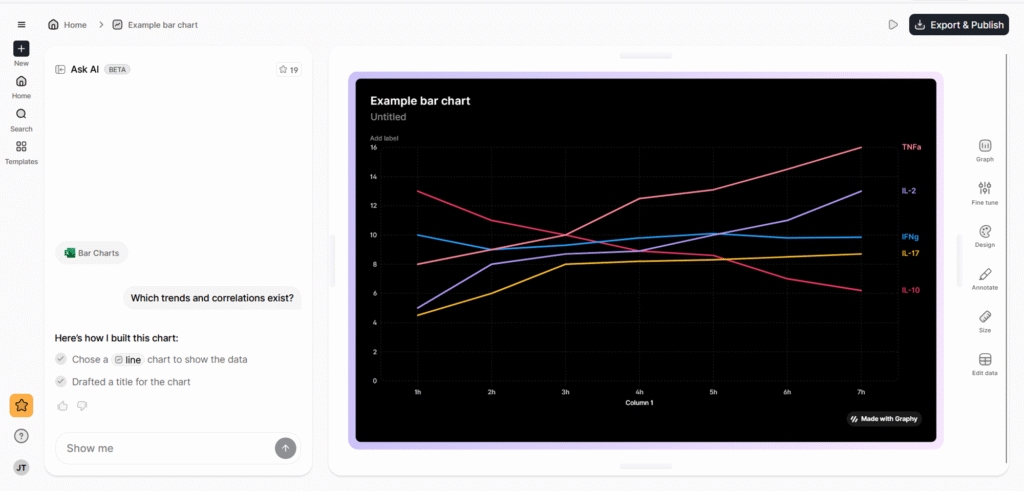
Good to Know: Graphy is mainly a design-focused tool for creating modern-looking charts. While the visuals are appealing, it does not provide meaningful data analysis.
Datawrapper
Good to Know: Datawrapper is useful for quick data visualizations. It does not include advanced AI features, but its simplicity makes it fast and easy to use. The downside is that customization options are limited.
Grammar and Writing Tools
Writing-focused tools aim to improve language quality, correct grammar, and sometimes rephrase content. They are mainly useful for polishing manuscripts or refining notes. Some offer functionality to formulate text from bullet points, check for AI-generated content, or detect plagiarism.
When to use: Generally, grammar correction tools are very useful for science students and non-native English speakers. The main reason to use these tools rather than common LLMs (ChatGPT, Gemini etc), is to use them as quick add-ins for Word or due to specific functionality such as support for writing grants or manuscripts.
Main Limitations: Overall, functionality and performance are limited. Content generation from scratch didn’t quite convince me. Also here, take care not to share sensitive information or unpublished work, as data may be processed and stored on external servers.
Paperpal
Good to Know: In terms of performance, it works reasonably well for grammar correction.
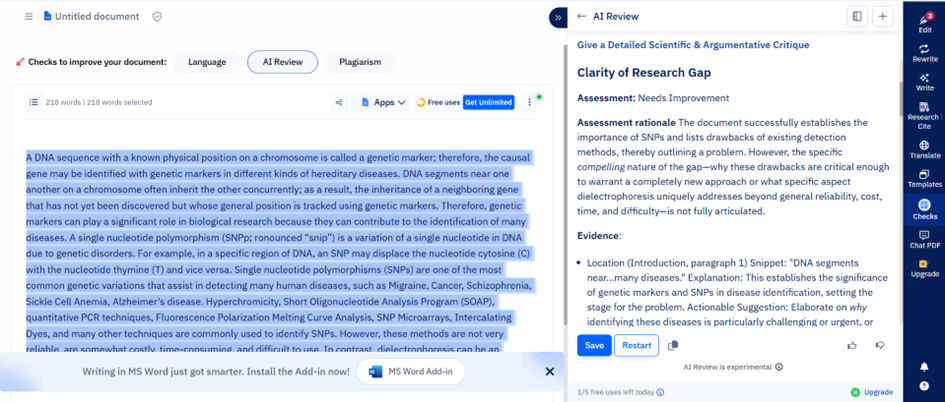
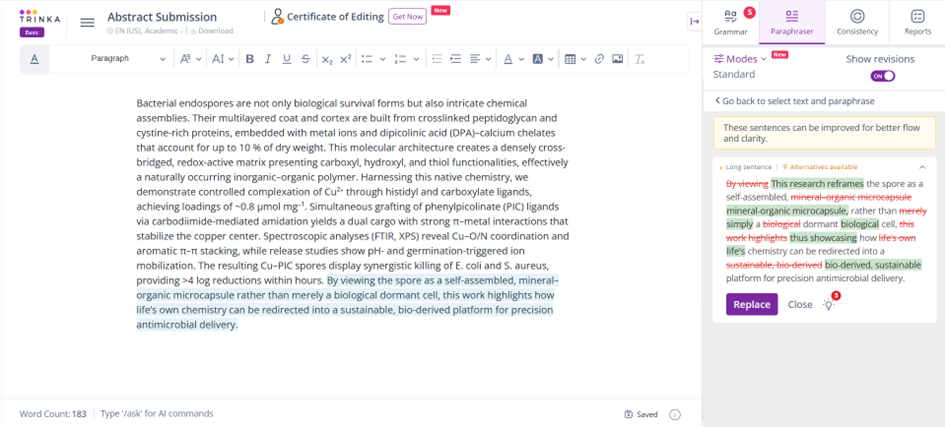
Trinka AI (by Enago)
Good to Know: Its specialized grammar tools perform relatively well. The journal finder, while an interesting feature, is very limited, and overall functionality is quite narrow.
Writefull
Good to Know: While it can save time because it is integrated into Word.
Tools for Specific Analysis Use-Cases
The following tools are not mere add-ins or online software interfaces; they require some amount of coding or extra effort to run locally. However, they demonstrate that for specific use cases, AI tools can make analyses much faster and more functional.
Grant Writing Tools
Of course, there are also grant-writing AI tools available. While most of the writing is still up to you, tools like Grantable , Granted AI, or Grant Review AI can help you write more efficiently or, in the latter case, provide feedback that is similar to real grant reviews.
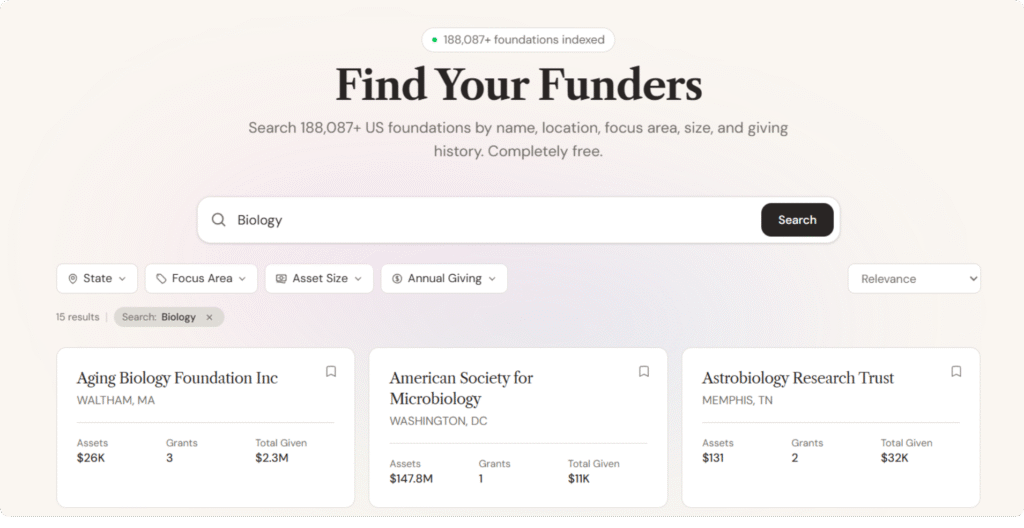
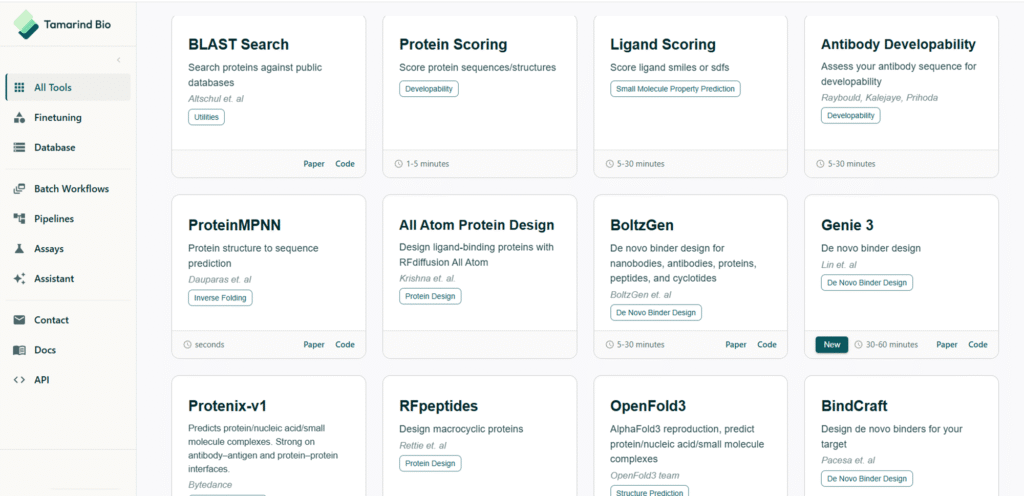
Tamarind Bio
This platform provides with an interface to use several tools for protein feature analysis and design – from antibody design to protein sequence scoring.
Ilastik
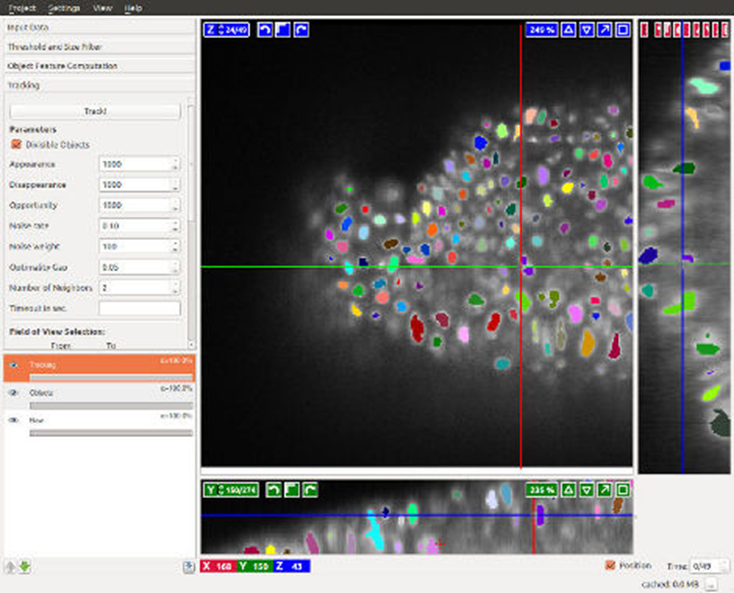
An easy-to-use tool for image analysis that employs machine learning for tasks such as cell segmentation and classification.
AlphaFold
Yes, we finally caught up to AlphaFold! It became famous for accurately predicting a protein’s 3D structure from its amino acid sequence.
However, there are alternative models such as Boltz-2 that are open source.
DeepLabCut
An open-source tool that uses deep neural networks for markerless motion tracking of animals in videos.

BioNeMo (NVIDIA)
A cloud platform offering pre-trained generative AI models for biology and chemistry.
RNAverse
A language model to identify novel lncRNA disease targets, simulate lncRNA knockdown effects, and compare gene regulatory networks.
Nanalogue
Standing for Nucleotide and Analogue – allows you to ask questions about your genomics data from BAM files, e.g., DNA/
Google DeepVariant
A genomics AI tool from Google that uses deep learning to call genetic variants from DNA sequencing data. DeepVariant treats sequencing reads like images and classifies sites as variant or reference, often achieving higher accuracy than traditional algorithms.
Large Language Models
There are also several large language models trained specifically on biomedical literature (e.g., PubMed abstracts and papers). For example, BioGPT is designed to answer biomedical questions and generate text in a scholarly style. However, these models often need to be run locally or integrated into Python workflows.
ASCEND by BenchSci
Offers antibody search for academic scientists and pharma target verification and research for enterprises.
Enterprise Solutions for Companies and Large Scale
For those of you who work in companies, plan a spin-off, or have larger capacities, there are several AI options available (only) to enterprises. Obviously, these come with a price tag, but they often include personal support and more advanced models.
BioLM
Used for molecular lead optimization. It provides custom AI workflows, including model fine-tuning.
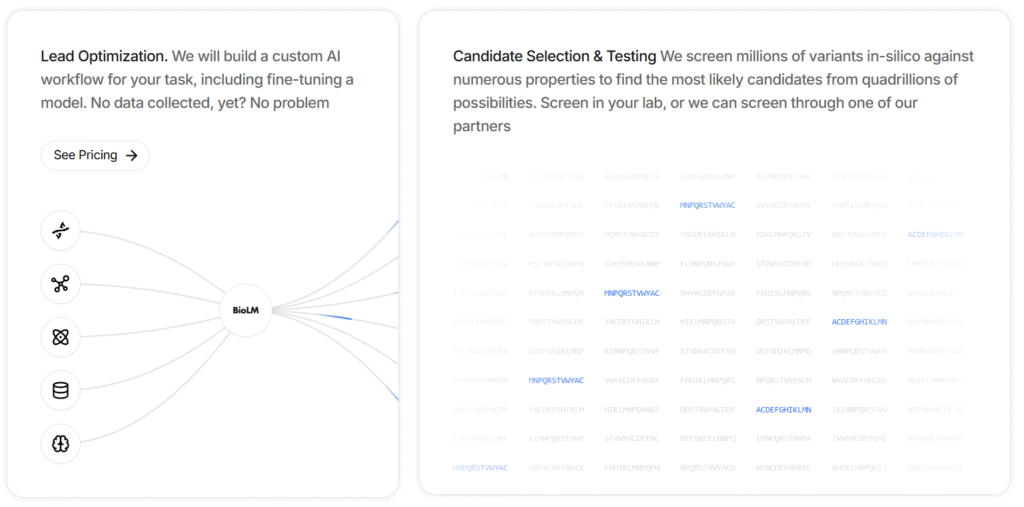
For example, it can screen millions of variants in silico against numerous properties to identify the most likely candidates from quadrillions of possibilities.
Aiforia
A cloud-based image analysis platform that uses AI (deep learning) to help pathologists and researchers analyze microscopy images (e.g., histology slides and tissue samples).
Synthace
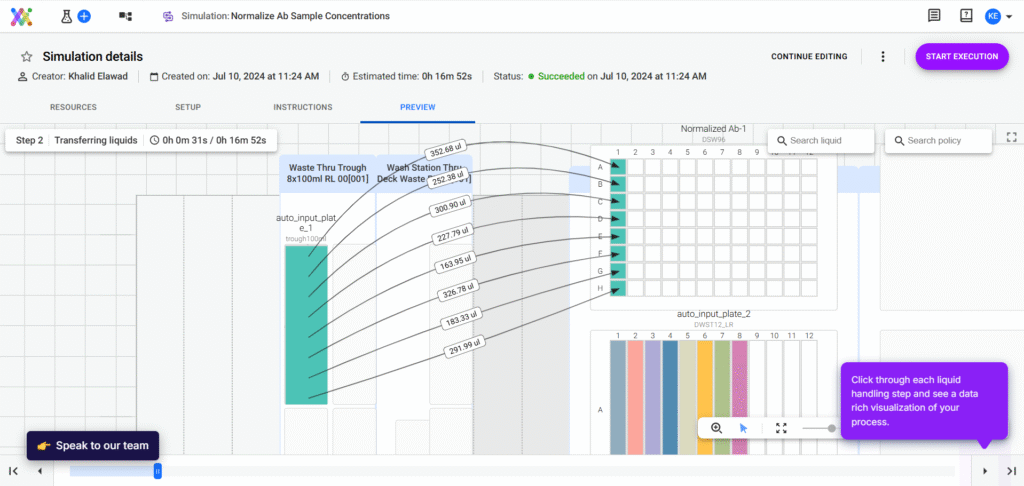
Allows you to design complex, robot-automated workflows yourself. It helps you keep an overview of complex processes, speed up and automate liquid volume calculations, and plan new workflows.
Causaly
A scientific literature search and compilation tool, similar to Elicit and others discussed earlier.
DataRobot AI Cloud
A platform for automated machine learning (AutoML) that can be applied to scientific datasets. DataRobot can ingest data (omics tables, clinical data, etc.), test many modeling approaches, and output the best predictive models without the user needing to code.
Precious3GPT
A transformer-based, multimodal AI model that integrates multi-omics data—including proteomics, RNA sequencing, and DNA methylation—across multiple species, tissues, and cell lines. It supports tasks such as aging research, disease modeling, drug discovery, and synthetic data generation. It can both synthesize and interpret complex biological data from diverse experimental settings.
And Many More
Of course, you will also find several solutions that combine or specialize in the functionalities of other tools. To name a few examples, Pandaomics BigRNA focuses on predicting detailed RNA regulation (such as splicing and polyadenylation).
Other companies offer AI solutions that help you process your data, such as IBM’s AI agents that integrate with your existing data and applications.
Final Word & Explanation
I hope this overview will prove useful to you.
Of course, it is by far not exhaustive and every other week new tools are invented. Therefore, stay up-to-date!
Before adding my personal opinion, let me briefly say something about why open-source tools are so valuable:
These models can help with reproducibility and allow the community to steadily improve models.
Additionally, it helps that these tools stay openly available so that even those from less financially advantaged backgrounds can do cutting-edge research. Finally, anyone can use them to integrate features into their own new projects!
Also, advances such as Explainable AI Tools (XAI) are worth reading about.
However, when it comes to the tools discussed above, I was truly surprised by the statistical accuracy and experimental design capabilities.
The literature review tools will certainly prove helpful, especially when starting a new topic or wanting to dive deeper into a hypothesis.
My biggest surprise, however, was the grammar and writing tools. I was genuinely concerned that they would pose a big temptation, especially for young scientists.
In reality, they proved to be far inferior to ChatGPT. In other words, while LLMs can truly enhance grammar and flow, the basic structure and content of a good article must still come from a human.
Part of the reason why some of the tools performed so poorly is that they simply leverage ChatGPT as an input. In other words, behind the buttons you click, they just forward a prompt to ChatGPT and print out its answer.
However, since these prompts are often general (not adapted to your specific use case) and sometimes use older ChatGPT versions, the output is simply poor.
Please also remember that I tested these tools with a limited number of prompts and tasks. If you use them, you will surely find other shortcomings or use cases.
Moreover, I used the free versions, as you probably will initially too. The paid versions often provide unlimited access, advanced setting options, and, especially for review tools, a larger number of studies included in reports.
Still, keep in mind that there are other tools out there that I couldn’t include here, and we continuously see new ones being added.
In my opinion, AI tools can already help you significantly with literature, analysis, and grammar tasks, but they remain just that: tools. No AI will do the work for you—whether it’s experiments, thinking, or writing.